How talking to your data in Quickfire can torch P&C workflow bottlenecks

No more digging through websites, internal systems, emails, and PDFs. Quickfire’s integrated chat features pull together all your agency’s relevant data to answer the question, run the lookup, or kick off the action you requested.

Commercial P&C agencies don’t lose time because people “aren’t working hard enough.” They lose time because the work is high-volume, high-interruption, and scattered across internal software, PDFs, emails, carrier portals, third party integrations, and renewal checklists. In Quickfire, working with your data stops feeling like a scavenger hunt and starts feeling like mission control for your agency. 


Responses stream in live with visual intent badges so you can instantly see whether the assistant is answering a question, running a data lookup, or triggering an action. When you want hands-free speed, voice input turns spoken requests into instant results, while built-in task actions can launch emails or calls without breaking the flow. And what makes it feel truly groundbreaking is the trust layer: every answer can expand into transparent, data-backed results with supporting context. Instead of black-box AI, Quickfire surfaces the “why” behind the answer with clean, readable details and semantic hints that bridge business language to real agency data.


Why this is different


Personalized Data Means Polished Responses

If you’ve ever seen an “AI in insurance” demo, you’ve probably noticed the big breakthrough they’re selling is: “You can ask a chatbot questions.” Cool. So can everyone else. The difference is whether the system can answer using your documents, your activity history, your renewal pipeline, and your carrier relationships.
Quickfire POV
It’s not “chat with a bot.” It’s query, prove, act across your real agency sources.
 

How It’s Done in Quickfire

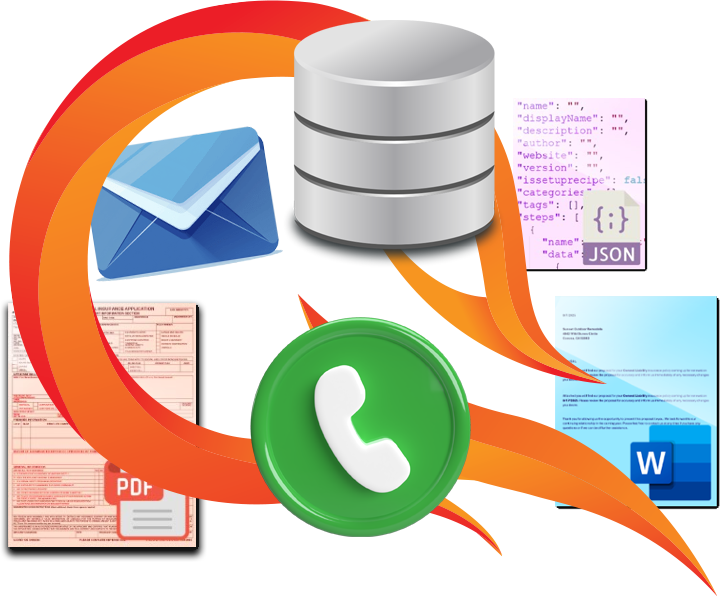
Quickfire retrieves facts and metrics from your AMS/database (clients, policies, renewals, premiums, tasks, submissions), data from your files (quotes, applications, loss runs, endorsements, contracts), and text from recent activities via APIs (call transcripts, emails, payments, e-signatures) to power its capabilities using semantic search + RAG. With relevant context, it can navigate you to sources, answer questions with precision, and trigger agent actions like drafting emails, generating renewal tasks, assembling submissions, building proposals, and more.

 
RAG

Retrieval-Augmented Generation answers by pulling relevant source material first, then generating from that context. Ask: “Which policies for APEX Builders’ have Primary & Noncontributory wording?” and get a grounded answer tied to your stored contract language.

Semantic Search

Vector search (SQL Server 2025 or Qdrant) finds records by meaning, not just keywords. Translation: “find the thing” becomes instant, even when it’s buried inside a 47-page PDF.

Agent Actions

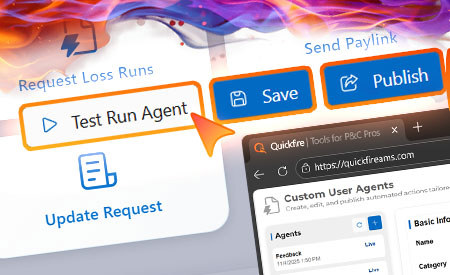
Actions turn intent into execution: run workflows, generate tasks, draft emails, assemble packages, produce summaries, and keep everything tracked so work stops living in people’s heads.

 
You say
“Request the loss runs for APEX Builders’ work comp policies over the last 5 years.”
 

Quickfire does
  • Finds the insured, relevant WC policies, and effective dates.
  • Pulls carriers and loss-run request instructions linked to those policies/renewals.
  • Drafts carrier-specific emails and steps for sources it can’t access (portals, phone departments).
  • Sends, tracks, attaches, and follows up (via Microsoft Graph patterns).
  • Logs tasks/status in the renewal so it’s not a “tribal memory” event.


Practical prompts


Unlocking the Potential

Below are examples of real-world prompts that map to commercial P&C workflows. These are the kinds of questions people want answered but usually can’t justify the time to compute. With Quickfire, it’s a simple conversation between you and your data.
Prompt Examples by Role

Agency Owners and Team Leaders

You’re not asking “who’s my best client.” You’re asking what’s quietly killing margin:

  • “Rank my accounts by servicing load per $1,000 of commission. Use tasks + emails + renewals + endorsements as the activity proxy. Show me the bottom 25.”
  • “Which carriers cost us the most touches per renewal, and what lines are driving it (WC, GL, Auto, Umbrella)?”
  • “Which producers are overloaded in the next 45 days based on renewal count and premium volume? Suggest a reassignment plan.”
  • “Show me the accounts with the highest ‘renewal risk’ score: late apps, missing loss runs, unresolved endorsements, and high remarketing frequency.”

Accounting and Finance Staff

Visibility into where the revenue pressure is coming from and when:

  • “Give me a month-by-month report for the last 24 months: renewal count, expiring premium, renewed premium, and average premium change. Flag busiest and slowest months.”
  • “Break down renewal volume by bill type and carrier. Where are we most exposed to late-pay or back-and-forth?”
  • “List renewals marked ‘Renewed’ where proposals were sent but we never logged proof of payment / accounting completion.”
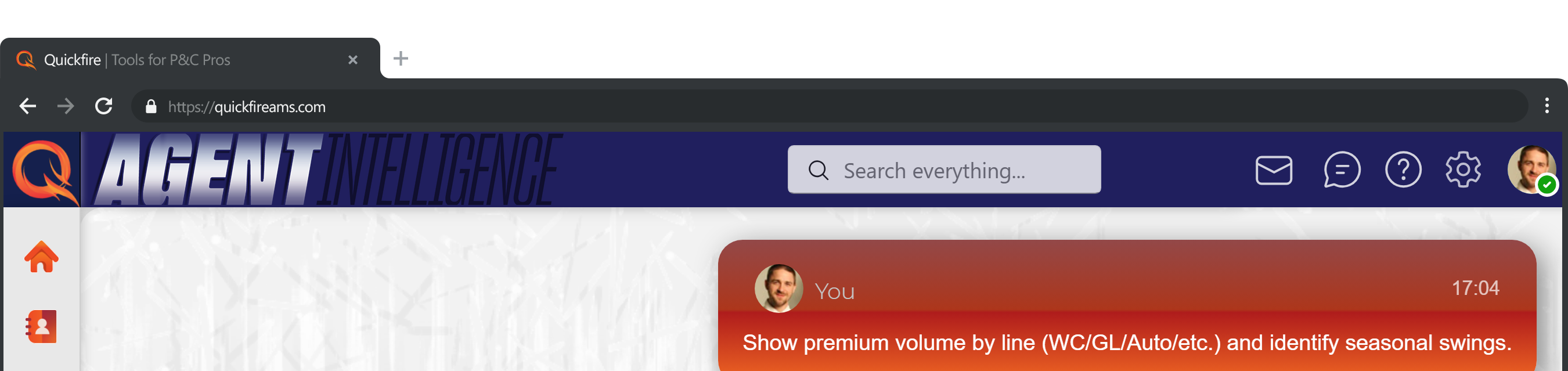
  • “Show premium volume by line (WC/GL/Auto/etc.) and identify seasonal swings.”

Wholesalers, MGAs, and E&S Marketing Teams

Submission quality and speed-to-market:

  • “For this contractor submission, build a market-ready package: ACORDs, narrative, loss runs status, COPE where needed, and a clean underwriting summary. Then draft emails to our top 5 sources based on appetite and prior hit ratio.”
  • “Which retail partners send incomplete submissions most often? Show missing items by category (loss runs, schedules, rent rolls, financials) and average time-to-quote.”
  • “Summarize the last 3 years of ‘why we lost’ notes for similar accounts and turn it into a placement strategy.”

Sales Teams and Producers

Targeting that isn’t just “call everyone and hope”:

  • “Which insureds are most likely to need an upsell in June based on: expiring lines, new vehicle adds, payroll growth updates, contract-driven AI/waiver requests, and recent certificate volume?”
  • “Find accounts with GL but no Umbrella, WC but no EPLI, Property but no BI worksheet on file. Draft an outreach sequence.”
  • “Show me the top 30 ‘rounding opportunities’ where the client is buying a line elsewhere (noted in emails/attachments) but we’re not writing it.”

Renewal Teams

From quote PDFs to a consistently branded proposal:

  • “For the 1/1 GL renewal for APEX Builders, compare quote options A/B/C to last year’s policy and rank them by similarity. Highlight differences in limits, deductibles, AI wording, exclusions, forms, and any gotcha endorsements.”
  • “What changed on this account during the policy term (endorsements, premium changes, audits, added locations/vehicles)? Summarize it for underwriting and for the insured.”
  • “Generate a renewal proposal from the chosen quote pages, include required state forms (SL-2 if needed), and prep for signature.”


Interns and Trainees

Faster training because answers stop living in five people’s brains:

  • “Why do we include a ‘Primary Wording’ page in the certificates for APEX Builders? Pull the reason from our account notes and show the contract clause that triggers it.”
  • “Explain what ‘Primary & Noncontributory’ and ‘Waiver of Subrogation’ mean in plain English, then tell me how we verify it’s actually on the policy for APEX Builders.”
  • “Walk me through our standard WC renewal checklist for contractors and generate the missing-info questions I should ask the insured.”


The Real Punchline

Quickfire isn’t just another AI toy you ask questions to. It was built on an open-source core with powerful integrations and a feature-rich platform designed specifically for commercial P&C broker workflows.

When you talk to your data inside Quickfire, you’re not searching blind. You’re interacting with:

  • Your structured book – renewals, policies, premiums, tasks, submissions
  • Your unstructured truth – PDFs, endorsements, contracts, loss runs, emails, call transcripts
  • Workflow automation that turns “ask” into “done” – drafted emails, assembled packages, summaries, next steps, reminders

That’s the real difference between “AI answers questions” and “AI removes friction from commercial P&C operations.”

Quickfire doesn’t just give answers. It eliminates the busywork that has defined agency pain for decades, freeing teams to focus on strategy, relationships, and growth.